
Instagram Notification Bug Floods Users With Story Alerts From Accounts They Don't Follow
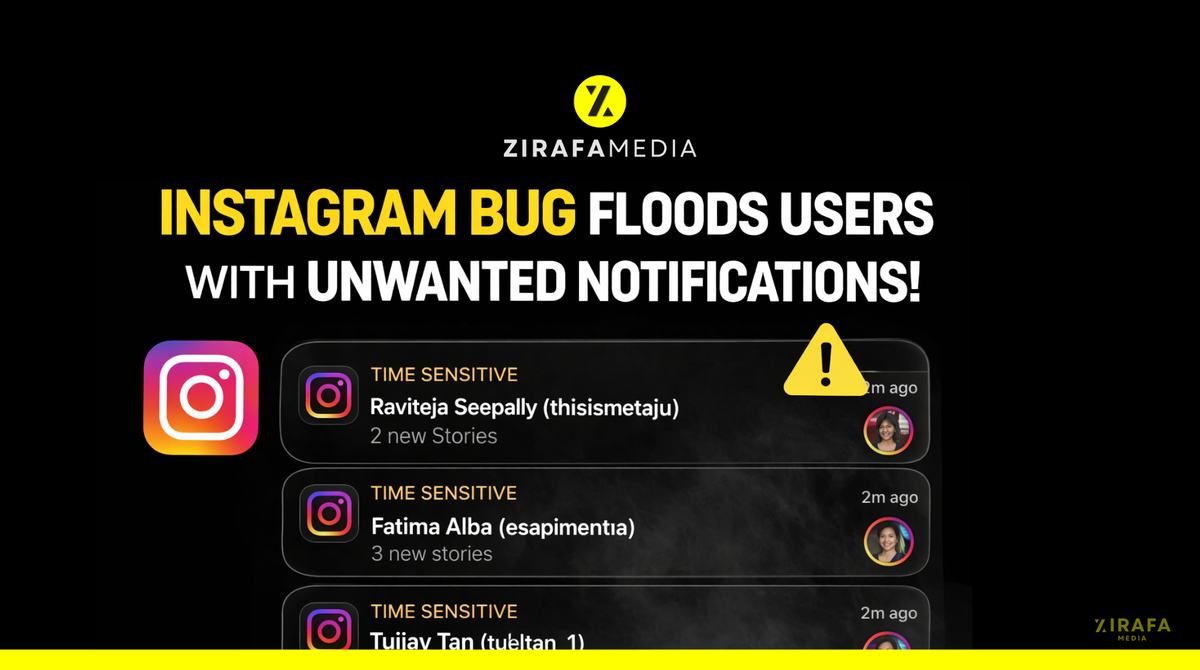
Meta's status page shows "no issues" while users globally report unstoppable notification spam bypassing all settings — a breakdown of what's happening and why it matters
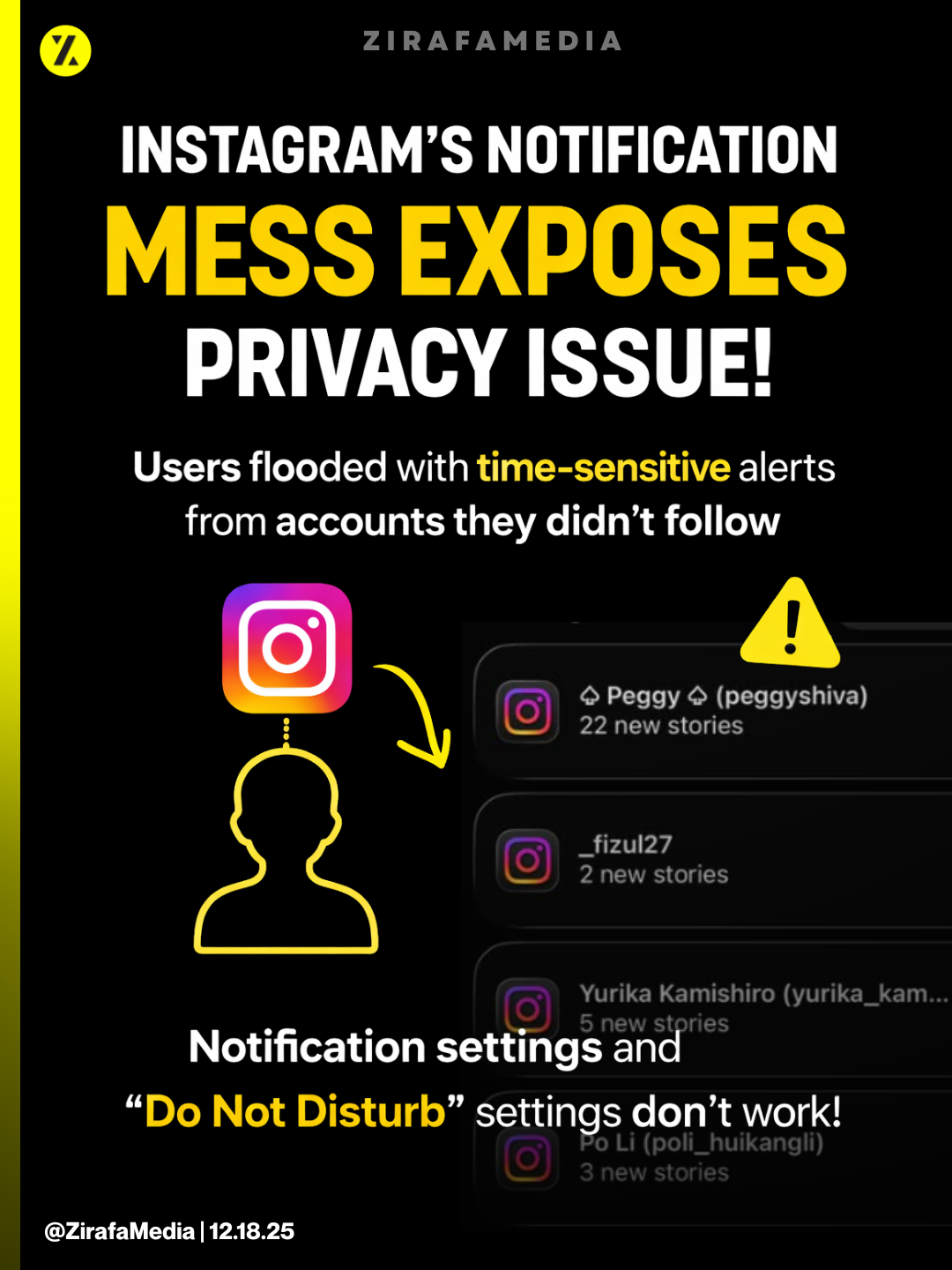
Originally Published On: zirafa.substack.com
If you woke up this morning to dozens of Instagram notifications about stories from people you’ve never followed, you’re not alone—and you’re not crazy.
Starting around 6:40 AM EST today, Instagram users worldwide began reporting a sudden flood of story notifications from accounts they don’t follow. The alerts are tagged “TIME SENSITIVE” by iOS, meaning they bypass Focus modes, Do Not Disturb, and notification summaries. Users report that pausing notifications, adjusting settings, and even reinstalling the app does nothing to stop them.
This Substack is reader-supported. To receive new posts and support my work, consider becoming a free or paid subscriber.
As of 7:56 AM EST, Meta’s official status page still shows “No Known Issues.”
This isn’t a minor glitch. This is a platform-wide infrastructure failure affecting what appears to be Instagram’s entire notification delivery system.
What’s Happening
Users are experiencing:
- Notifications for stories from accounts they do not follow — specifically, accounts that follow them (one-way followers)
- Volume overwhelming normal use — reports of 30+ notifications within hours, with one user showing 22 story alerts from a single account
- “TIME SENSITIVE” classification — iOS is treating these as urgent notifications, bypassing user controls
- Settings completely ineffective — “Pause All,” custom notification preferences, and app reinstalls do not stop the alerts
- Multiple accounts affected simultaneously — users with multiple Instagram accounts report the bug hitting all of them at once
The pattern is consistent across verified accounts, casual users, and multiple regions including the US, India, Thailand, and Europe.
The Privacy Problem
Here’s what makes this more than an annoyance: Instagram is now surfacing activity from people you deliberately chose not to follow.
When you don’t follow someone back, that’s a decision. Maybe they’re a stranger. Maybe they’re an ex. Maybe they’re someone you’d prefer not to engage with. Instagram’s notification system has always respected that boundary—until now.
This bug effectively converts your follower list into a notification feed you never consented to. Every time someone you don’t follow posts a story, your phone buzzes. You’re being forced to monitor the activity of people you explicitly declined to track.
For users with large follower counts—creators, public figures, anyone with an open account—this means potentially hundreds of daily notifications from strangers.
For everyone else, it means Instagram just told your phone that random followers’ ephemeral content is “TIME SENSITIVE” and deserves to interrupt whatever you’re doing.
This is a consent violation. Not in the legal sense, but in the fundamental UX contract between user and platform: you control what gets your attention.
That contract is currently broken.
What Users Are Saying
The backlash on X has been immediate and angry:
@the.allycat (5 minutes ago):
“Is anyone else suddenly getting blasted with Instagram story notifications for people you don’t follow? This just started about an hour ago and is happening for multiple IG pages I have.”
@joshwoofilms (verified, 25 minutes ago):
“Anyone been getting these time sensitive ‘New Stories’ notifications on Instagram that you can’t turn off?”
@KaganTech (verified, 1 hour ago):
“Instagram pushed an update and broke notifications... so now I’m just going to deep sleep the entire app until further notice. What foolishness?”
@HeyAnuragita (verified, 31 minutes ago):
“Uninstalling @instagram. Getting spammed with notifications that some random follower whom I don’t know uploaded a story.”
@kawaiisennpai (verified, 24 minutes ago):
“Woke up to 30 notifications about people posting to their story on instagram that I don’t even follow. I’m about to delete this damn app wtf.”
@KrishnaAnand_ (verified, 21 minutes ago):
“What the hell is wrong with Instagram? I’m getting random notifications because random people I’ve never followed or even seen the profile of, are updating their stories. So what?!”
The presence of multiple verified accounts reporting the same issue rules out individual account problems. This is systemic.
What We Know So Far
DetailStatusStart timeApproximately 6:40 AM EST, December 18, 2025Affected usersGlobal — US, India, Europe, Thailand, othersScopeAppears to be 100% of users (no gradual rollout)Meta acknowledgmentNone as of 7:56 AM ESTStatus pageShows “No Known Issues”User workaroundsNone effectiveCauseUnknown — likely backend deployment or database error
What You Can Try (But Probably Won’t Work)
Based on user reports, these standard fixes are not resolving the issue:
- Pause All Notifications — Notifications continue
- Disable Story Notifications — Doesn’t affect these alerts
- Turn off “Suggested” notifications in settings — No effect reported
- Delete and reinstall Instagram — Bug persists
- Clear cache / Force stop — No effect
The only reported “fix” that works: Turn off all Instagram notifications at the iOS/Android system level. This is nuclear—you’ll miss DMs, comments, everything—but it’s currently the only way to stop the flood.
This is a server-side problem. It requires Meta to fix it.
What This Means
If this bug is confirmed as we’re describing it, Instagram has:
- Broken the fundamental notification contract — Alerts are supposed to reflect user preferences
- Abused iOS Time Sensitive designation — This category exists for urgent notifications, not story spam
- Exposed a systemic infrastructure vulnerability — The simultaneous failure across multiple systems (notifications + reported navigation bar issues) suggests a deeper problem
- Failed to communicate — As of publication, no acknowledgment from Meta despite widespread reports
We’ve reached out to Meta for comment and will update this article when we receive a response.
We’ll Keep Updating
This story is developing. Refresh this page for updates as Meta responds (or doesn’t).
Have screenshots or additional details? Email tips@zirafamedia.com or DM us on X.
This Substack is reader-supported. To receive new posts and support my work, consider becoming a free or paid subscriber.
🔧 Technical Deep Dive
The section below is for developers, engineers, and the technically curious. If you just wanted to know what’s happening and whether your phone is broken, you can stop here.
Root Cause Analysis: What Likely Broke
Based on the symptom pattern, here’s what appears to have failed:
The Relationship Graph Inversion
Instagram’s notification system determines who to notify about stories using a directed graph query. Simplified:
For each story posted by Account X:
  Notify users WHERE user.following CONTAINS Account X
  AND user.notification_settings.stories = enabled
What appears to be happening:
For each story posted by Account X:
  Notify users WHERE Account X.following CONTAINS user
  (i.e., the inverse relationship)
This would explain why users are receiving notifications from their followers rather than accounts they follow. The query is reading the relationship arrow in the wrong direction.
The TIME SENSITIVE Misclassification
iOS categorizes notifications into four interruption levels:
- Passive — Silently delivered
- Active — Normal delivery (default)
- Time Sensitive — Bypasses Focus modes, appears immediately
- Critical — Bypasses even Critical Alerts settings (reserved for health/safety)
Instagram is sending these story notifications with UNNotificationInterruptionLevel.timeSensitive. Story updates do not meet Apple’s criteria for this designation. This is either:
- A default that was accidentally applied to a new notification type
- An intentional (but now exposed) attempt to bypass user notification controls
- A configuration error in the notification payload construction
Regardless of cause, this is a violation of Apple’s Human Interface Guidelines for notification design.
The Queue Overflow Pattern
The volume pattern—22 stories from one account, 30+ notifications in a dump—suggests the notification queue system is also failing to:
- Deduplicate — Multiple story posts from one account should batch, not send individually
- Rate limit — There should be throttling on how many notifications a user receives per time window
- Batch intelligently — Story notifications should aggregate (”5 accounts posted stories”) not enumerate
This points to either a queue processing failure or a new notification pathway that bypasses the normal batching logic.
Deployment Signature
The incident has classic characteristics of a bad deployment without feature flags:
- Sudden onset — Started at a specific time (~6:40 AM EST), not gradually
- 100% affected — No A/B test population, everyone hit at once
- Multiple systems failing — Notifications + UI changes + possible navigation issues
- No rollback yet — Suggests the team may not have identified the problematic commit
This is likely tied to a December 18 morning deployment (common for US-based engineering teams to deploy overnight/early morning to minimize peak traffic impact).
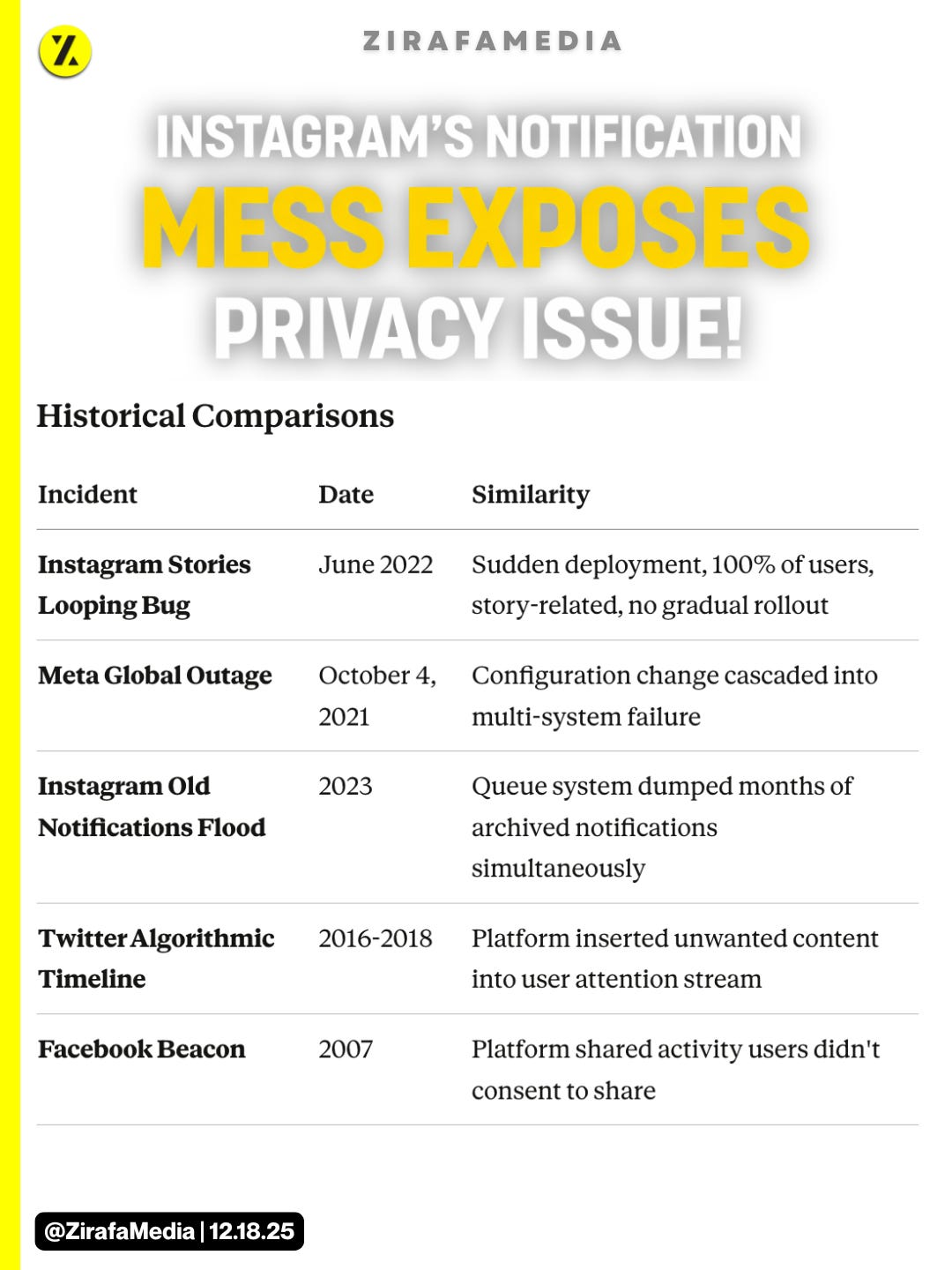
Historical Comparisons
What Meta’s Fix Will Likely Involve
- Identify the bad commit — Review December 17-18 deployments for changes to notification service, relationship graph queries, or iOS notification payload construction
- Rollback or hotfix — Either revert to last known good state or patch the specific query/payload error
- Queue flush — Clear any queued notifications that were generated under the broken logic
- TIME SENSITIVE audit — Review all notification types for correct interruption level classification
Expected timeline based on similar incidents:
- Internal acknowledgment: 1-2 hours from first reports (so, ~8-9 AM EST)
- Public acknowledgment: 3-6 hours
- Fix deployed: 6-12 hours
- Postmortem published: 1-3 days (if at all)
Questions That Remain
- Was this an experiment? — Did Meta intentionally test notifying users about follower stories, and the “bug” is just the lack of opt-in UI?
- Why TIME SENSITIVE? — Is this a one-off error, or has Instagram been misusing this designation for other notification types?
- What else broke? — Reports of navigation bar changes and other UI issues suggest the December 18 deployment touched multiple systems. What else might be affected?
- Will there be accountability? — Apple has previously warned developers about misusing Time Sensitive notifications. Will this trigger any App Store policy review?
This article will be updated as the situation develops. Last updated: 7:56 AM EST, December 18, 2025. | ZirafaMedia | This Article was written by Shadi Saleh, Tech Contributor.